Dark, quiet, out of your way.
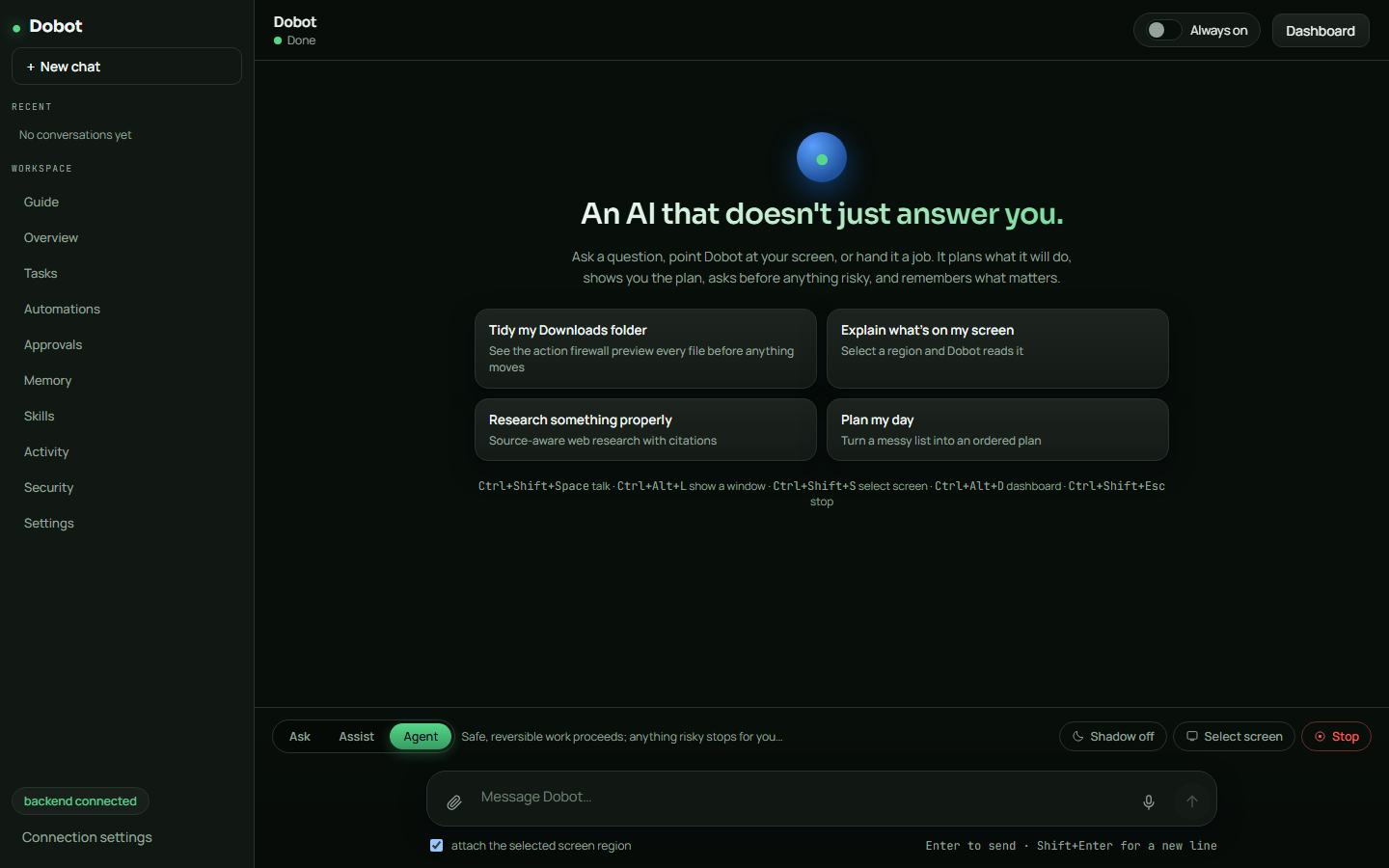
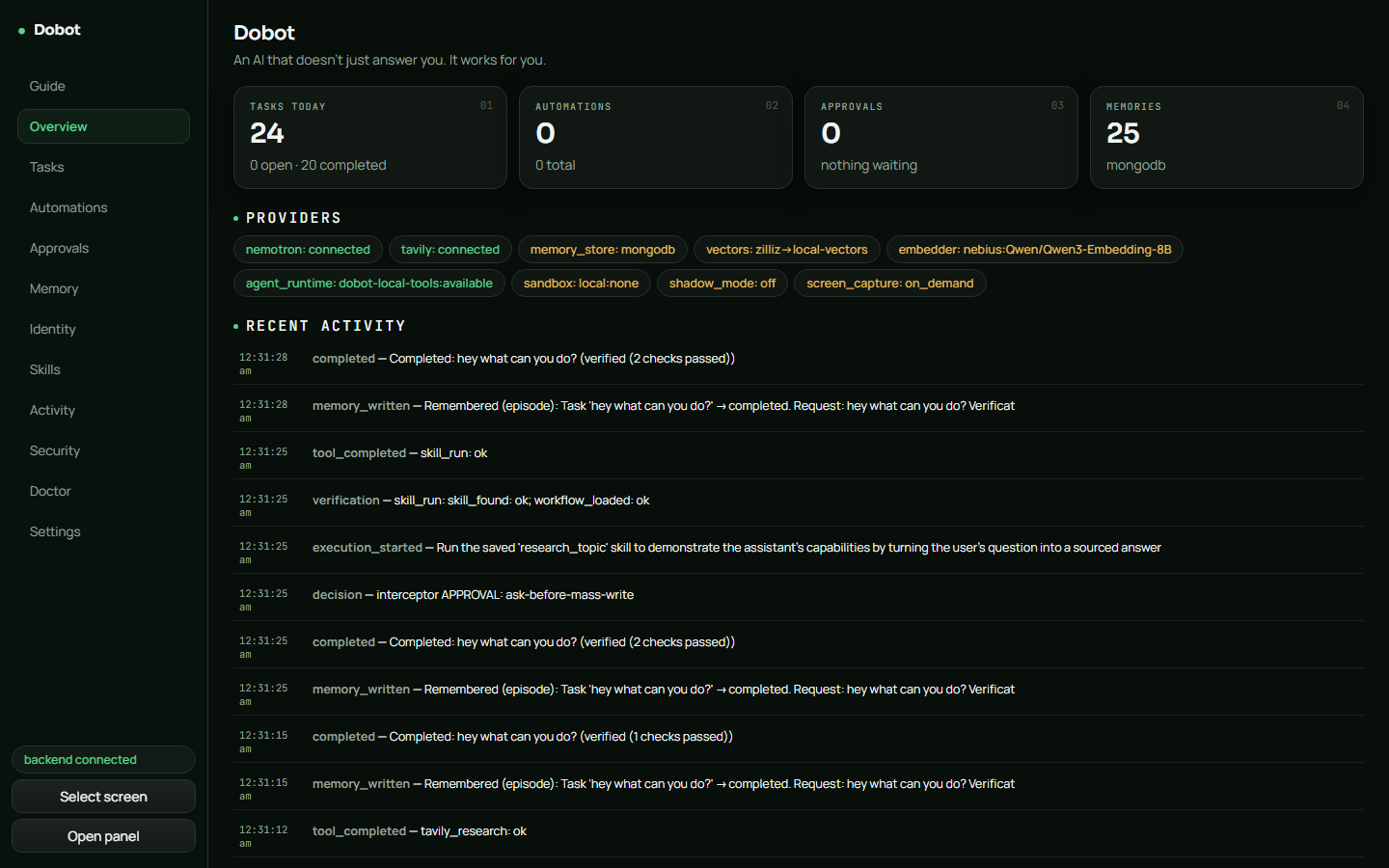
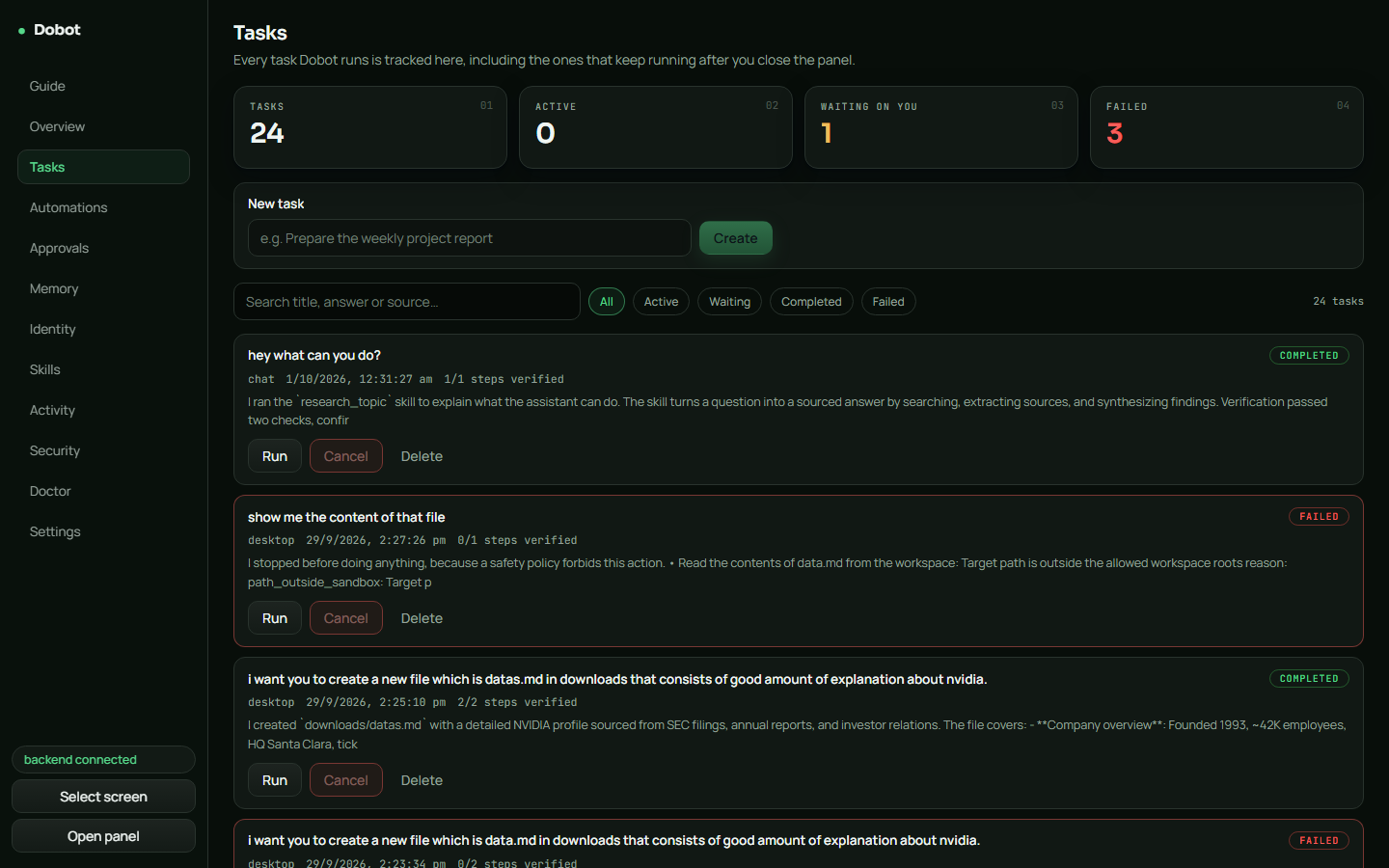
It sees what you point at, plans the steps, asks before anything risky, does the work, checks that it worked, and remembers it for next time.
Most assistants make you do the work twice: explain what you're looking at, read the answer, then go do it yourself. Dobot closes the loop.
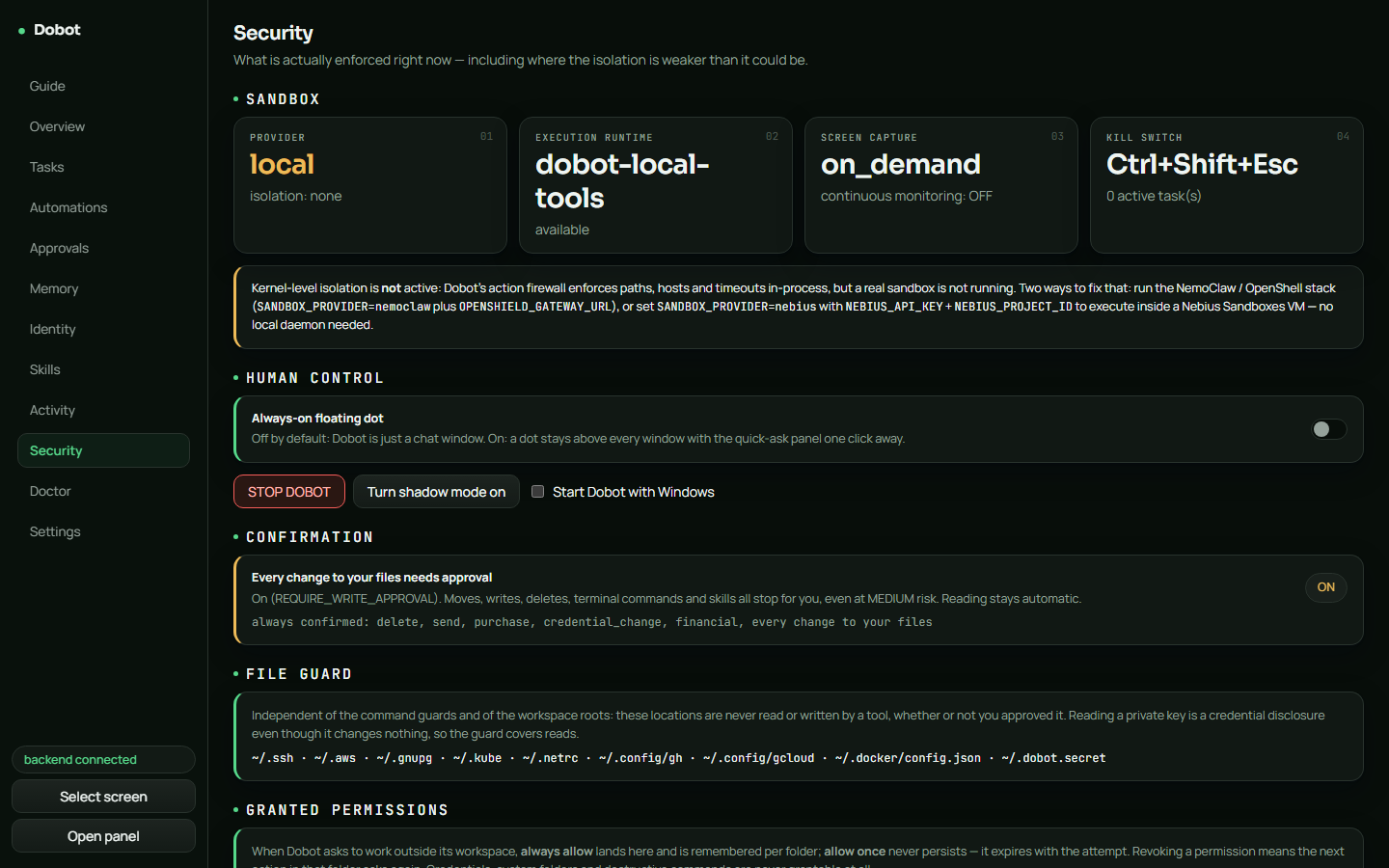
The decision step is plain code, not a prompt. The AI only suggests actions — a fixed set of rules decides what may run, what needs your OK, and what is never allowed. Every step records how it was checked; if something could not be confirmed, Dobot says so instead of claiming success.
Select a region with Ctrl Shift S or share the window you're in with Ctrl Alt L, then just ask about it.
Hold Ctrl Shift Space, speak, let go. Transcribed locally on your machine with Whisper — audio never leaves your PC.
Flip the Research chip: real search plus synthesis, answered with sources — no agent loop needed.
Moves files, runs terminal commands, opens apps — inside a sandbox that only touches what you allow.
Opens a visible browser window and clicks, types and downloads like a person would — with Playwright built in.
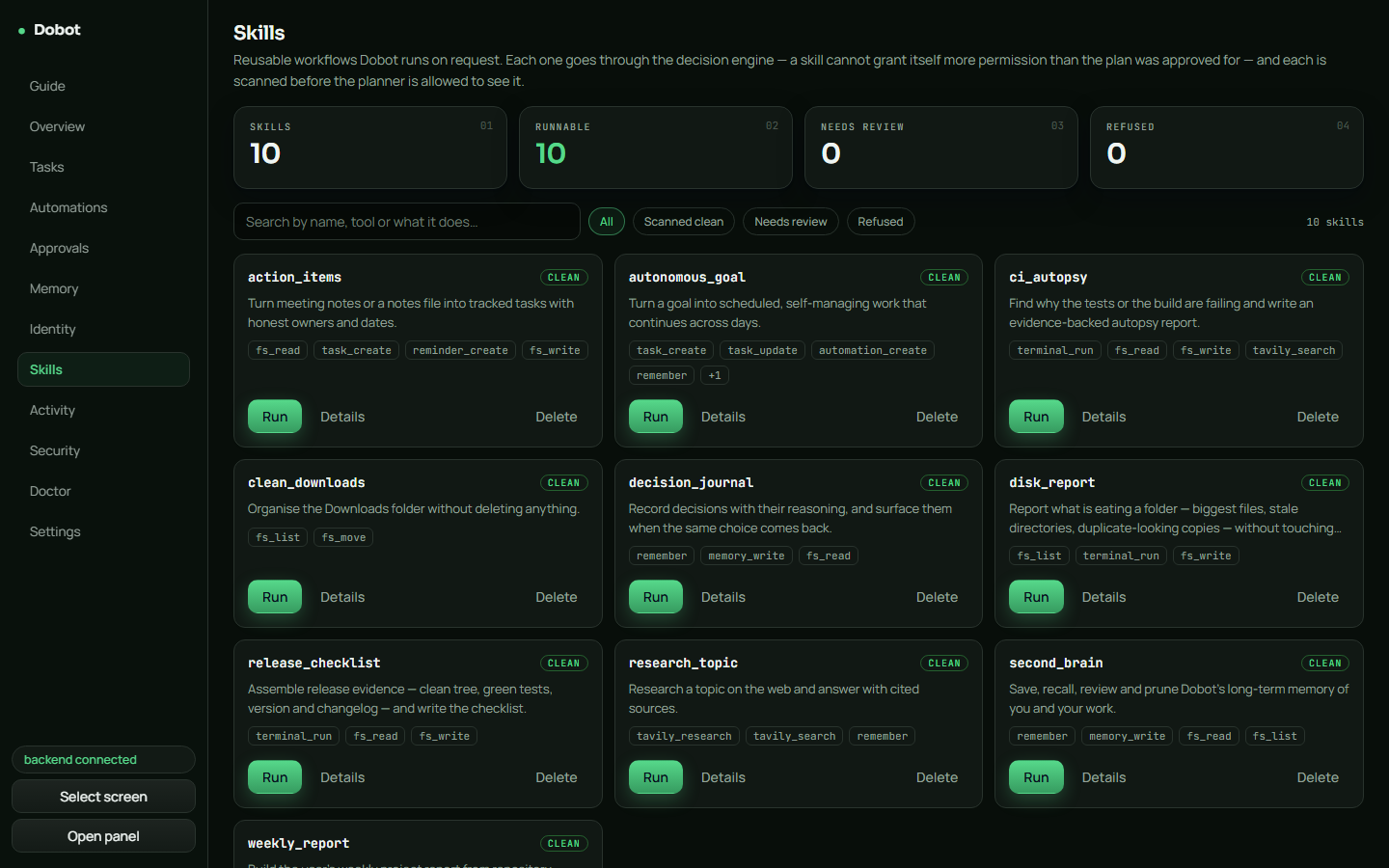
Ten built-in workflows — tidy downloads, weekly report, CI autopsy, release checklist, disk report and more.
Preferences, projects and past tasks come back as context. Schedule recurring work and reminders.
Finished tasks earn XP: a level badge, a shimmering XP bar and a daily streak — completion literally pops confetti.
Turn on Always on and a small floating dot sits above every app. Its colour tells you what Dobot is doing; click it for a quick-ask panel.
Every action is rated by risk before it runs. The AI cannot talk its way past this table.
Answers and plans only. Nothing is executed.
Asks you before anything beyond reading.
Safe, reversible work runs on its own; anything risky waits for you.
Credential folders like ~/.ssh
can never be unlocked — not even for reading. Skills are scanned for prompt injection before Dobot
can use them. Ctrl Shift Esc stops whatever is running, instantly.
The installer is per-user — no admin prompt. First launch takes about a minute.
SmartScreen may say "Windows protected your PC" — the build is unsigned. Click
More info → Run anyway. The backend runs locally on 127.0.0.1:8756
and needs a Nebius key for real answers (paste it in Settings → Your API keys).